Is Waybook Worth It? An Honest Review of the Onboarding Platform
By Derek Coffey · August 29, 2026 · Updated November 2, 2026
Is Waybook worth it? Yes, if your content already exists and the problem is that nobody can find it, follow it, or finish it. Waybook is an onboarding and training platform: you write your processes into structured documents, group them into books, assign them to roles, and read a dashboard that shows who has completed what. What it will not do is write a single word for you, and the account it hands you on day one is empty.
That empty account is the whole risk. Everything else here is detail.
If you would rather have someone build that content for you, it is the work our process documentation service does, platform or no platform.
The short answer: is Waybook worth it?
Waybook earns its subscription for a business that has knowledge to distribute and cannot get it read. It wastes the subscription for a business that has nothing to load yet, which describes most of the companies that buy into this category. The product is well built, the editor is pleasant, the per-seat price sits at the friendly end of the market, and none of that decides the outcome.
The trap is the order of operations. The platform is the part you can buy in an afternoon, so it gets bought first, and then the real project shows up: the interviews, the recordings, and the editing pass that turn what people know into documents somebody would actually read. Nothing in the subscription does any of that for you.
Buy the platform on the day you can name the first 10 documents and the role each one belongs to.
If you are still choosing between products rather than deciding whether to buy one at all, Waybook sits alongside Trainual, Whale, PlaybookBuilder and Strety in our roundup of the best process software for EOS companies.
What Waybook actually does
Waybook is made by Waybook Limited, a company registered in England and Wales, and sold as a business playbook platform for onboarding, SOPs and company knowledge. In practice it is a distribution and accountability layer for documentation you already own. You build documents out of text, images, files and embedded video, group them into subjects and books, and hand them to people by role or team rather than by name. A new hire logs in and sees a defined path with a beginning and an end, instead of a folder tree and a wish of good luck.
The accountability half is the part a shared drive cannot do. You can require confirmation that a document has been read (on the Pro plan and up), attach questions that check it was understood, and pull a report showing completion per person and per role. Update a document later and the people it is assigned to can be told to look at it again.
Waybook features at a glance
These are the features that come up most when teams are deciding, checked against Waybook's own feature and pricing pages in November 2026.
| Feature | What it does | Plan |
|---|---|---|
| Waybook Shots | A Chrome extension that records a workflow on screen and turns each click into a step with a screenshot, which you can edit, share as a link, embed, or export as a PDF | All plans |
| Tests and assessments | Mini quizzes and full exams attached to training material | All plans |
| Knowledge Confirmation Steps | Asks each person to confirm they have read a document | Pro and up |
| Audit Log | Records who took which action and when | Pro and up |
| AI Content Writer and Waybook AI Ask | Drafts SOPs and policies from a short prompt, and answers questions from what is already in your account | All plans |
| Integrations | Slack, Zapier, Google Docs, Sheets and Drive embeds, Word and Tango importers, and single sign on through Google, Microsoft or Okta (single sign on is Pro and up) | Varies |
Shots covers work that happens on a screen. Work that happens in a truck, a kitchen or a client's office still has to be filmed and edited by someone, and an AI draft describes what should happen rather than what your team actually does. Feature lists in this category move fast, so check the current one before signing.
What Waybook does well
The strengths are real and worth paying for, as long as you are clear about which problem they solve.
- Onboarding paths with an actual finish line
- Assignment by role instead of by individual
- Completion reporting an owner can read in a minute
- A clean editor that people who hate writing will still use
- Per-seat pricing at the friendly end of the category
The finish line is the feature that matters most. In the businesses we work with, new hires take 6 months to get productive because training means shadow someone, and shadowing has no end state: nobody can define what trained means, so nobody can say when it happened. A path with modules, a check, and a completion date replaces an opinion with a record.
That path does not assemble itself out of an SOP library, though. Grouping documents by role, sequencing them, and adding the reason each one exists is separate work, and it is the subject of our guide to turning your SOPs into a training program.
Where Waybook falls short
Every limit below belongs to the category rather than to this product, but you pay for them all the same.
The first one arrives on day one. A program manager at a public utility nonprofit described exactly what happens when a workflow tool lands in front of the people it was bought for: the blank space does not really say much. Nobody opposes the software. They open it, find nothing that speaks to their job, close it, and go back to asking the person sitting next to them.
An empty account is not a head start, it is a deadline with an invoice attached.
The second limit is the veteran problem. Waybook is built around a path, which is right for a new hire and wrong for a foreman with 8 years in who needs one answer in 15 seconds while a customer waits. Across the documentation waves we have run, teams end up needing two shapes of content out of one library: a sequence for people who know nothing, and a reference for people who know almost everything.
The third is judgment. For every process we document we capture three things: the purpose, the decision points where somebody has to make a call, and the step by step. A platform holds the third beautifully and is blind to the first two, and documents that list steps without naming the forks read fine in the office and fail on the job.
There is also a category boundary worth naming out loud. Waybook teaches a process; it does not run one on a schedule. One ops leader summed up the difference in a sentence: the biggest friction is the amount of manual work, and that is where it gets forgotten. When the failure is remembering to run the process at all, you want a recurring checklist rather than a training document, which is the split we work through in checklists versus training software.
Last, bloat. A COO at a residential cleaning company of about 55 people watched her playbook grow until it held three redundant versions of the same process and nobody could find anything, which she called cognitive overload. The platform will hold everything you give it, cheerfully, forever. The question that ends every audit we run is not what else should we write, it is what do we delete.
What does Waybook cost?
As of November 2026, Waybook sells three plans. Each is priced for a team of 20, with a fee for every extra member, a 7-day free trial, and no permanent free plan. Billing annually saves about 17% against paying monthly. Confirm the numbers on Waybook's own pricing page before you budget, because pricing in this category is rewritten most years.
| Plan | Billed annually | Billed monthly | Each extra member | What it adds |
|---|---|---|---|---|
| Core | $99 a month for 20 seats | $119 a month | $5 annual, $6 monthly | Documents, tests, Waybook Shots, AI Content Writer, AI Ask, integrations, revision history |
| Pro | $198 a month for 20 seats | $238 a month | $10 annual, $12 monthly | Knowledge Confirmation Steps, Audit Log, full version history, free data migration, single sign on and directory sync |
| Enterprise | Custom | Custom | Custom | For more than 500 seats: dedicated support, setup help, custom reporting |
The plan line that matters for most buyers is read confirmation. If you need proof that each person read a policy, for a client, an auditor or an insurer, you need Pro, not Core.
For a team of 20 that total is a rounding error next to payroll, which is why the seat price is the wrong number to argue about. The cost that decides this purchase is hours. Documenting a person's whole role takes about six hours of their time, spread over three to four weeks, and those are hours from the busiest people in the building.
Skip them and you buy the outcome one field services owner is still sore about: five figures spent on a full training platform build, the work delivered, the team never opening it. He calls unused documentation his worst nightmare, and two years later that build is still sitting there unopened.
Price the hours before you price the seats.
Waybook is a strong fit if
The profile that gets full value from this purchase is fairly specific.
- You hire often enough that onboarding repeats
- The knowledge exists and somebody is assigned to extract it
- One person owns the library and its updates
- You need proof of completion, not just access
- Per-seat cost is what decides the purchase
The common thread is repetition. A staffing branch that lost its customer service team down to two people overnight needed a training system before the job posts even went live, because the next hire was arriving whether or not anybody was ready. That is the case where a platform pays for itself: the same onboarding, over and over, with a record at the end.
Look elsewhere if
The mismatches are far cheaper to catch now than after the annual invoice clears.
- Nothing is documented yet and nobody has been assigned to fix that
- Your riskiest work is judgment heavy and happens in the field
- You need a checklist that runs every week, not a course
- You already own a platform your team ignores
- You expect the vendor to produce the content for you
Only one item on that list is about a competing product. The rest are about timing, and the fourth is the one owners skim past: a second platform does not fix an adoption problem, it doubles it. If you are still shortlisting rather than deciding, the field is laid out in Trainual alternatives compared.
The closest comparison on structure is Whale, which occupies the same seat with a different emphasis and gets its own verdict in our honest review of Whale.
Waybook by situation
The same product fits some businesses far better than others, and the deciding factor is usually how often you onboard and how much of the work happens on a screen.
| Business type | Is Waybook worth it? | Load this first | Watch for |
|---|---|---|---|
| Franchise or multi-location | Yes, once one location runs the process well | The opening and closing routines from your best location | Each site quietly editing its own version |
| Law firm | Yes, on Pro, if you need proof that policies were read | Intake, conflict checks, file handling | Buying Core and finding read confirmation is not on it |
| Consulting firm | Yes, if you hire consultants often | Client onboarding and how a deliverable gets reviewed | Senior people who never write anything down |
| Digital or marketing agency | Yes, for repeat client work | Client setup, reporting, the handoff from sales to delivery | Documenting tools instead of decisions |
| Field service | Partly: good for office roles, weaker for the truck | Dispatch, quoting, job closeout | Technicians who need one answer in 15 seconds, not a course |
| Restaurant or hospitality | Only with steady hiring and someone to own it | Opening, closing, food safety checks | Kitchen work that has to be filmed, not screen captured |
| Remote or hybrid team | Yes, it replaces asking the person at the next desk | The questions new hires ask in their first two weeks | Content nobody owns once it is published |
| Small business under 10 people | Not yet, unless you are hiring | The 5 to 10 documents your busiest role needs | Paying for seats before anything is written |
Read the right-hand column before the middle one. Every business type fails the same way, with a different accent.
The questions buyers ask before they commit
How do I get buy-in from the team?
Build the first version with the person who does the work, not the person who manages it, then let their peers tear it apart and tune it. The people who tune a document become the people who defend it. Launch with the must-read material for one role, hide the depth behind links, and skip the tour of every admin setting. We go through the whole adoption sequence in our guide to getting your team to follow SOPs.
Is a free tool or a shared doc good enough?
For a team under 10 with no hiring planned, a shared document with one named owner will carry you for a while. Waybook has no free plan, only a 7-day trial, so the honest question is when the paid features start earning. That happens the first time you need to assign training by role, prove someone read a policy, or see who finished onboarding without asking them. A shared doc stores content. It cannot do any of those three.
What usually goes wrong with these tools?
Four things, in this order: the account stays empty, nobody owns the content after launch, the library bloats with duplicate versions, and the people with the most experience ignore it because a course is the wrong shape for a quick answer. None of these are Waybook bugs. They happen in every platform in the category, and every one of them is decided before the subscription starts.
How fast can we roll Waybook out?
The software takes an afternoon to set up. The content is what takes time: about six hours of a practitioner's time per role, spread over three to four weeks. A realistic first week is to list the documents your busiest role needs, name an owner for each one, build the first document, and assign it to one real person with a due date. Waybook can set relative due dates based on when someone joins, so the next hire gets the same path without you rebuilding it.
Can we move our existing docs across?
Yes. Waybook imports Word documents and Tango guides, and its Pro plan includes free data migration from another platform, with Waybook's team helping move the documents. The catch is that an import brings across whatever was wrong with the old documents too. Delete the duplicates and the out-of-date procedures before you migrate, not after, because nobody ever comes back to prune.
What do you have to bring to the platform?
Content, organized by role, tagged by process, with one person accountable for keeping it current. That is the entire answer, and it is why content sitting in a shared drive folder does not get used: the folder has no owner, no order, and no way of knowing who read what.
Then plan the rollout, because a platform sold to fix onboarding still has to survive its own. The rule we use came from a team already spooked by a tool they found intimidating: train only the primary functions, hide the depth, put the must-read material up front, and gate the detail behind links so people choose to go deeper rather than having it forced on them. Do not demo every field in the admin panel. Minds spin, and the spinning gets remembered as this thing is complicated.
Then go small. A COO who had been burned once by an expensive documentation project set her terms for the next attempt: one playbook at a time, invoice by invoice, prove it, then continue. Pick the area already closest to working so the first win is fast, visible, and hard to argue with.
At The Systems Effect we record the people who actually do the work and turn what they say into SOPs, process maps and training, which is why the platform is the last decision in a project rather than the first.
You are buying the binding, and the book is still your job.
None of this is a reason to avoid Waybook. It is a reason to buy it on the right day. If you already own it and the account has gone quiet, that is a rollout problem rather than a product problem, and the fix is in our piece on how to fix training platform adoption.
So do the smallest version of this in the next week. List the documents a new hire in your busiest role would need in week one, put a name next to each of them, and record the first one before anybody enters a card.
Frequently Asked Questions
Is Waybook worth it for a small team?
Yes, if the team hires and the content already exists in some form. For a team under 10 with no turnover and nothing written down, the first job is getting a few processes recorded, not buying a platform to hold them. Do not park them in a folder while you wait, though, because a folder has no owner and no way to show what got read, and that is where documentation goes to go stale at any size. The price is friendly enough that the money is rarely the mistake; the mistake is buying the binding before anybody has written a page.
What does Waybook do, and who makes it?
Waybook is a business playbook platform for onboarding new hires, documenting SOPs and keeping company knowledge in one place. You build documents, group them, assign them to teams, test understanding and track completion. It is made by Waybook Limited, a company registered in England and Wales.
What does Waybook cost?
As of November 2026, Core costs $99 a month for 20 seats billed annually or $119 billed monthly, plus $5 or $6 for each extra member. Pro costs $198 or $238 a month for 20 seats, plus $10 or $12 per extra member, and adds read confirmation, the audit log and free data migration. Enterprise is custom pricing for more than 500 seats. Confirm the numbers on Waybook's pricing page before you budget. The larger cost is the practitioner time, about six hours per role spread over three to four weeks, and that one never shows up on an invoice.
Does Waybook have a free trial?
Yes, a 7-day free trial, and you can cancel anytime. There is no permanent free plan. Load one real process during the trial rather than clicking through templates, because an empty account looks good in every product.
Is Waybook better than Trainual for onboarding?
Neither is better in the abstract, and the decision usually comes down to price per seat and the shape of your content. Waybook is built tightly around the new hire path, which is an advantage when onboarding is the specific thing that is broken. Trainual is more established, with a bigger ecosystem of consultants, templates and integrations around it. Both fail identically if the account stays empty.
Can Waybook track training completion?
Yes. You can assign documents by role or team, add tests that check comprehension, and pull completion reporting per person. Requiring each person to confirm they read a document, and keeping an audit log of who did what, needs the Pro plan. The number that matters is not the completion percentage, though, it is whether anybody reads the report, because a dashboard nobody opens is the same as no dashboard.
Do you need content before you buy an onboarding platform?
You need enough to fill the first role, not the whole company. In practice that is the first 5 to 10 documents for your busiest position, captured from the person who does the work rather than the person who manages it. Buy the software the week you can name those documents and the person recording each one, and not a week earlier.
Keep reading

Is Whale Worth It? An Honest Review for SOPs and Training
Whale documents your SOPs, routes them to the roles that need them, and tracks who finished the training. Here is what it does well, where it falls short, what it really costs, and the one problem no platform on the market solves.
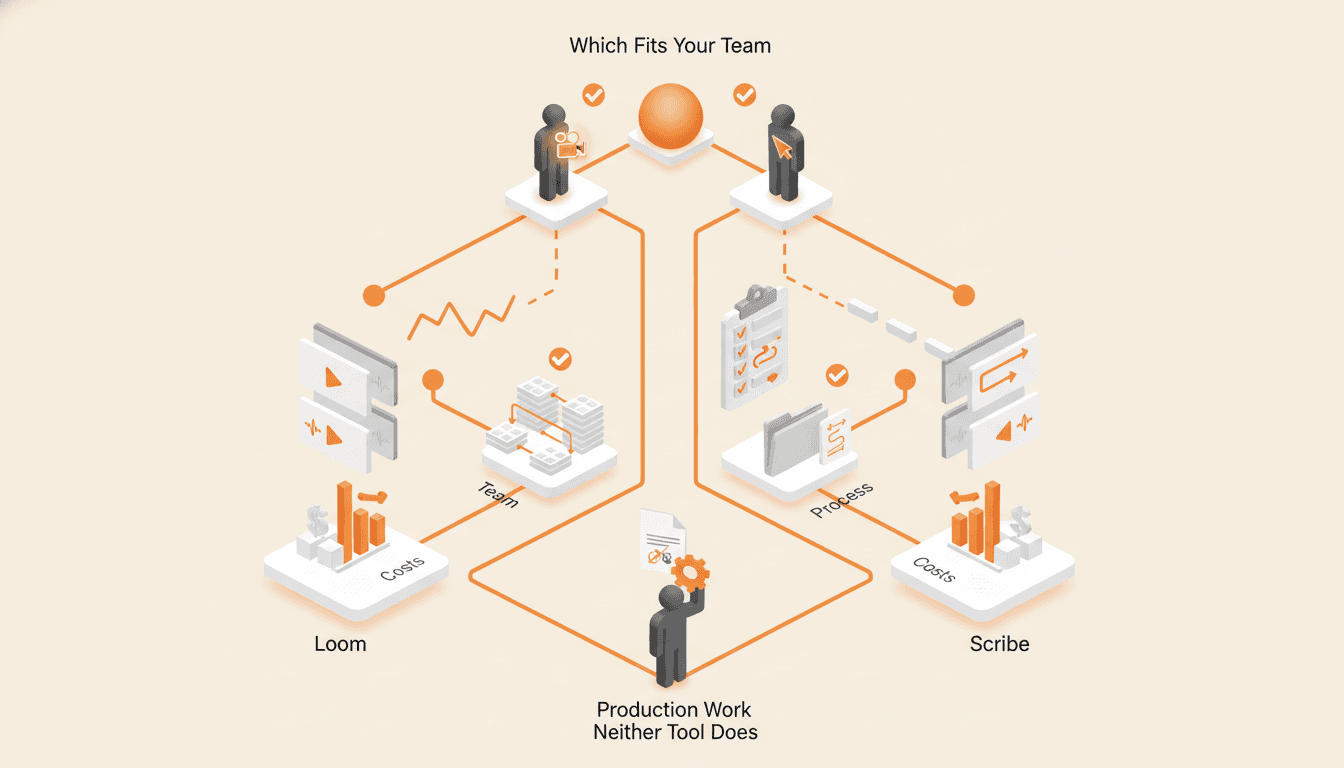
Loom vs Scribe for SOPs: Which Recorder Fits Your Team
Loom records a narrated video and Scribe records your clicks. Here is which one fits which process, what each costs, and the production work neither tool does for you.

Process Street vs Trainual: Checklists or Training?
Process Street runs recurring work and records that it happened, while Trainual teaches the job and reports who learned it. Buying the wrong one is how teams end up paying for both.
Choosing a tool? Plan it with us first.
A working call, not a pitch. We learn how your business runs, show you where a tool will help and where it will not, and plan the next steps with you.